
Supplement Planner
Turn the supplement choices you have already made into a simple browser-based timetable. The planner organizes entries; it does not recommend doses or check interactions.
Your timetable
Add your choices, then build the plan.
Your timetable
Important: This is your information reorganized, not a dosage, safety, or interaction recommendation.
iPhone & iPad · Free 7-day trial
Track it in Supplement Tracker.
Supplement Tracker: NutriNow adds reminders, countdowns, and intake history to your supplement routine.
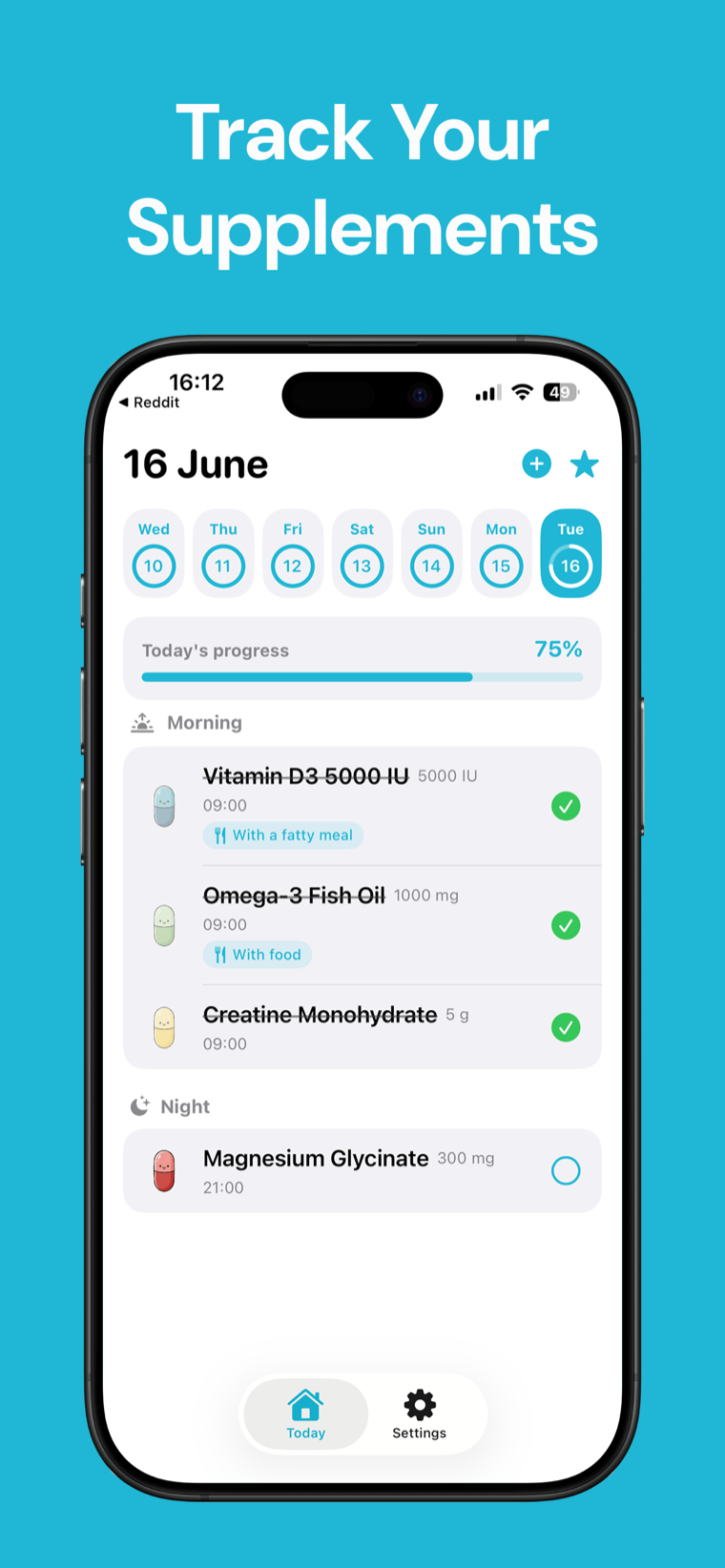
How this supplement planner builds your timetable
Add each supplement using the name and serving amount you have already chosen, then select how often you intend to take it, a preferred routine window, and an optional note such as “with breakfast” or “at bedtime.” The planner groups those entries into a readable daily or weekly timetable.
For more than one serving per day, the planner distributes servings across routine windows beginning with your preferred window. A weekly entry stays in the preferred window and is labeled with the weekday you select. No dose, timing interval, or supplement is chosen for you.
This is an organization tool, not a medical or interaction checker. Supplement instructions can depend on the exact product, medicines, health conditions, and clinician advice, so confirm your choices separately before relying on the timetable.
Timetable = user-entered serving × user-selected frequency, placed from the selected routine window The planner does not diagnose, recommend supplements or doses, or determine whether combinations and timing choices are safe.
Frequently asked questions
Does this supplement planner recommend what I should take?
No. You provide every supplement, serving amount, frequency, and timing preference. The tool only arranges those choices into a timetable.
Does the planner check supplement or medicine interactions?
No. It does not have enough information to assess interactions, contraindications, or product-specific directions. Ask a qualified clinician or pharmacist when those questions apply.
How are multiple daily servings placed?
They are distributed across morning, midday, evening, and bedtime windows, beginning with the preferred window you select. That placement is organizational, not medical advice.
Can I add meal or bedtime instructions?
Yes. Add your own short routine note, such as “with lunch.” The planner repeats it in the timetable without deciding whether that instruction is appropriate.
Are my supplement details uploaded or saved?
No. The timetable is calculated in your browser with no fetch call. Refreshing or closing the page clears the entries.